Student hosting in Nepal: affordable plans to learn and build
Want to host a portfolio, a project, or your first web app while studying? Here is how affordable student hosting in Nepal works, and how to start cheaply.
The fastest way to learn web development, design, or cloud skills is to put real projects online where anyone can visit them. A live portfolio teaches you more than a stack of tutorials. A class project that examiners and teammates can open from their own phones feels real in a way a file on your laptop never will. Your first deployed web app, with its own database and its own login, teaches you lessons that no amount of reading can. The good news for students in Nepal is that hosting is now cheap enough to make all of this easy, as long as you choose the right plan and avoid paying for things you do not yet need.
This guide explains what students actually need from hosting, how to start as cheaply as possible, the kinds of projects worth putting online, and how to grow your setup as your skills grow.
What students actually need
You do not need an enterprise server to learn. For the vast majority of student projects, a modest shared hosting plan is more than enough. Focus on these essentials and ignore the rest:
- cPanel, so you can manage files, databases, and email through a friendly dashboard instead of memorising server commands
- Free SSL, so your site loads securely over https from the very first day and looks professional to anyone you share it with
- One-click installers for WordPress and other apps, so you can publish something real within minutes rather than hours
- Daily backups, so a broken experiment at midnight never costs you the work you did all week
- Billing in NPR with eSewa or Khalti, so you can pay without needing a foreign credit card
Notice what is not on that list. You do not need huge amounts of storage, you do not need a dedicated server, and you do not need the highest tier of anything. Those are costs you can add later, only when a project genuinely outgrows the basics.
Start small, then grow
The smartest financial move as a student is to begin on the cheapest plan that can do the job, and to upgrade only when a real need appears. Our cPanel hosting starts at NPR 499 per month for the Trailhead plan, which comfortably covers a portfolio, a blog, a small business site, or a typical class project. That is roughly the price of a couple of coffees, and it buys you a real, permanent home on the internet that you fully control.
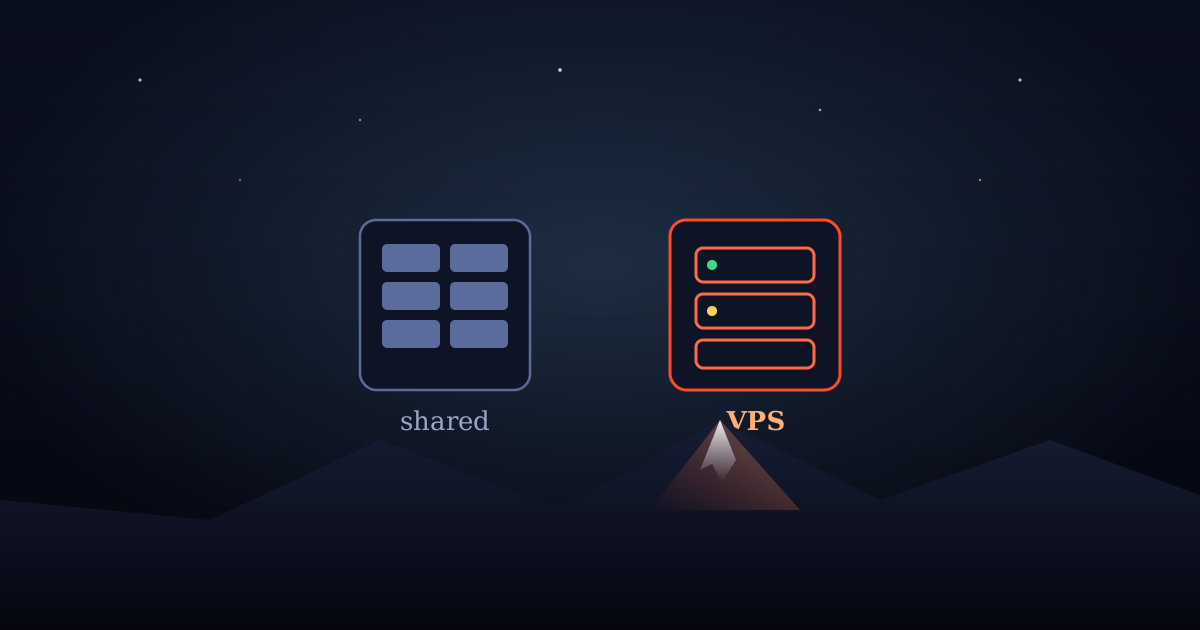
When you are ready to run your own stack, perhaps a Node.js or Python application, a custom database, or your own experiments with automation, you can move up to a Cloud VPS with full root access. Crucially, you can make that jump without changing providers or rebuilding everything, so the time you invest in learning one platform keeps paying off as your ambitions grow.
Projects worth hosting as a student
If you are not sure what to put online first, here are projects that consistently pay off, both for learning and for your future career.
- A personal portfolio with your name as the address, which you can put on your CV and send to employers
- A class or final-year project that examiners and teammates can open from anywhere, with no setup on their side
- A small business site for a side hustle, a family shop, or a club, which teaches you to build for a real audience
- A first web app where you practise databases, user accounts, authentication, and working with APIs
- A learning instance of n8n, so you can explore workflow automation hands-on and add a genuinely modern skill to your toolkit
Employers remember a working link far longer than a line on a resume. Hosting your projects is one of the highest-return things a student can do.
How hosting accelerates your learning
There is a real difference between code that runs on your laptop and code that runs on a server other people can reach. Deploying a project forces you to understand domains, DNS, SSL certificates, file permissions, databases, and the small but important gap between development and production. These are exactly the skills that separate a hobbyist from someone ready for a job, and the only reliable way to learn them is to put something live and keep it running. Each time something breaks and you fix it, you learn a lesson that sticks, because it mattered.
Hosting your work also builds a public track record. Over a few semesters, a handful of live projects becomes a portfolio that speaks for itself, and a portfolio you can demonstrate in an interview is worth far more than a list of technologies you claim to know.
Keeping it genuinely affordable
Stretch every rupee with a few simple habits. Pay monthly while you are experimenting, so you stay flexible and never pay for time you do not use. Once a project is stable and you intend to keep it for the long run, switch to annual billing, which lowers the effective monthly cost. Use the free SSL and the included backups rather than paying for add-ons you do not need yet, and resist the temptation to buy a bigger plan than your current project requires. You can always scale up in minutes the day a project truly outgrows its plan.
If you are a student with a specific project in mind and you are not sure which plan fits, reach out and tell us what you are building. We are happy to help you pick the smallest plan that does the job, so you spend your money on learning rather than on capacity you will not touch for months.
A simple first week plan
If you have never deployed anything before, the gap between buying hosting and having a live site can feel intimidating. It does not need to be. Here is a gentle order of steps that takes most students from nothing to a working, secure site in a single week, spending only a few hours in total.
- Pick the smallest shared plan and register or connect a domain you like. Your name makes a great portfolio address.
- Install WordPress, or upload a simple static site, using the one click installer in cPanel.
- Turn on free SSL so your site loads over https, then visit it on your phone to confirm it works away from your laptop.
- Add two or three real pages, such as an about page, a projects page, and a way to contact you.
- Set up a free email address on your own domain, which looks far more professional than a generic inbox.
- Check that daily backups are running, so your work is safe from the very start.
By the end of that week you will own a real place on the internet, you will understand the basics of domains, SSL, and publishing, and you will have something concrete to show. That foundation makes every later project faster, because the scary first time is behind you.
Common mistakes to avoid
A few simple errors trip up many students, and all of them are easy to sidestep once you know about them.
- Buying too big. Resist the urge to purchase a powerful plan for a project that does not need it. Start small and upgrade only when a real limit appears.
- Skipping backups. Experiments break things. Backups turn a disaster into a five minute fix, so never disable them to save space.
- Letting a domain lapse. If you put a project on your CV, keep the domain renewed. A dead link in front of an employer undoes the good impression instantly.
- Hardcoding secrets. As you build apps, keep passwords and API keys out of your public code. It is a habit worth forming early, while the stakes are low.
Avoid those four, and you will get far more value from every rupee you spend, while building habits that serve you well long after you graduate.
Put your work where the world can see it, keep it cheap while you learn, and let each project build on the last.